
Microsoft Fabric security at the item level

In today’s data-driven landscape, securing access to sensitive data is non-negotiable. Microsoft Fabric offers multiple layers of protection, but item-level security is where true precision and control emerge. By securing access at the individual dataset, report, or dashboard level, organizations can ensure that only the right users see the right information.

Understanding Fabric Security Layers

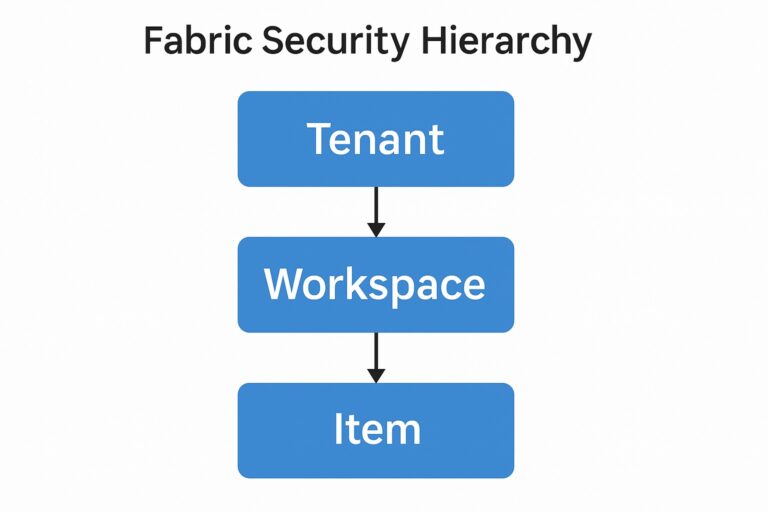
Microsoft Fabric’s security model operates across several layers, each addressing a different scope of control:

  • Tenant-Level Security — Managed through the Admin Portal and governs platform-wide settings.
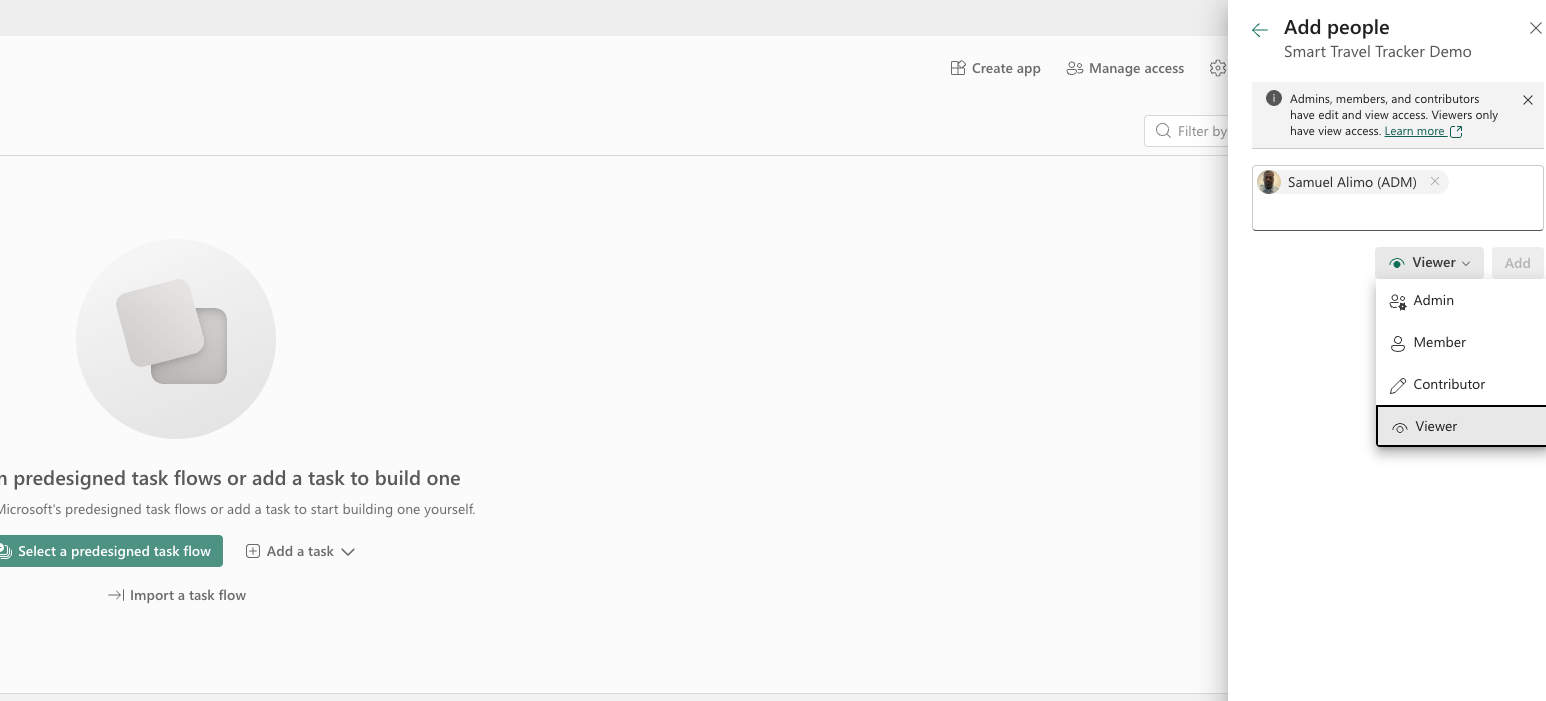
  • Workspace-Level Security — Assign roles like Admin, Member, Contributor, and Viewer to manage access within a workspace.
  • Item-Level Security — Controls access to specific datasets, reports, dashboards, and dataflows within a workspace.

Item-Level Security in Fabric

Item-level security extends beyond workspace roles to give granular, object-specific access control. Key components include:

  • Purpose: Controls access to entire items in Fabric (datasets, reports, dashboards, dataflows).
  • How it works: Permissions like Read, Build, Reshare are applied at the item level.
  • Example: A user can view a report but cannot build new reports from its dataset.
  • Scope: Outside the dataset (Fabric objects).
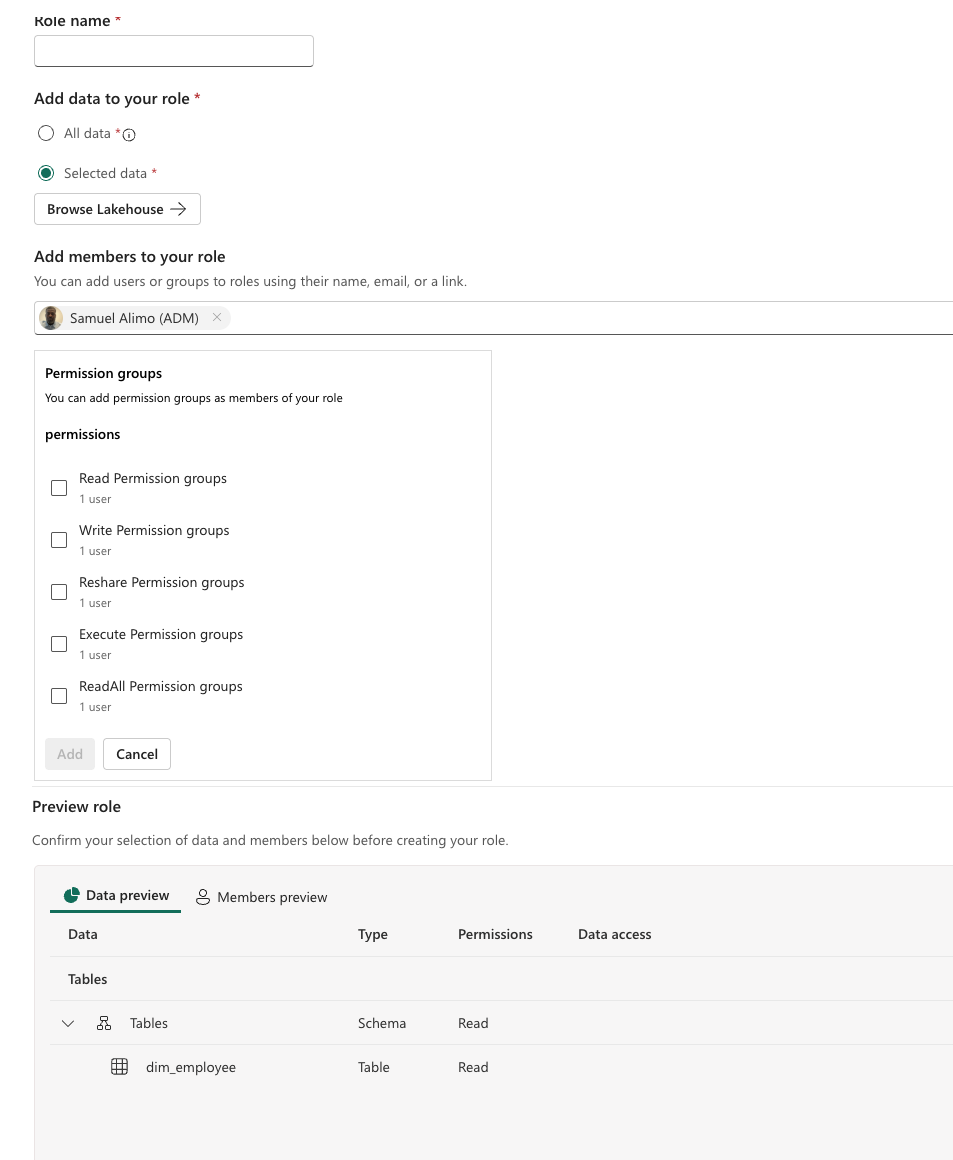
Security and Access Control
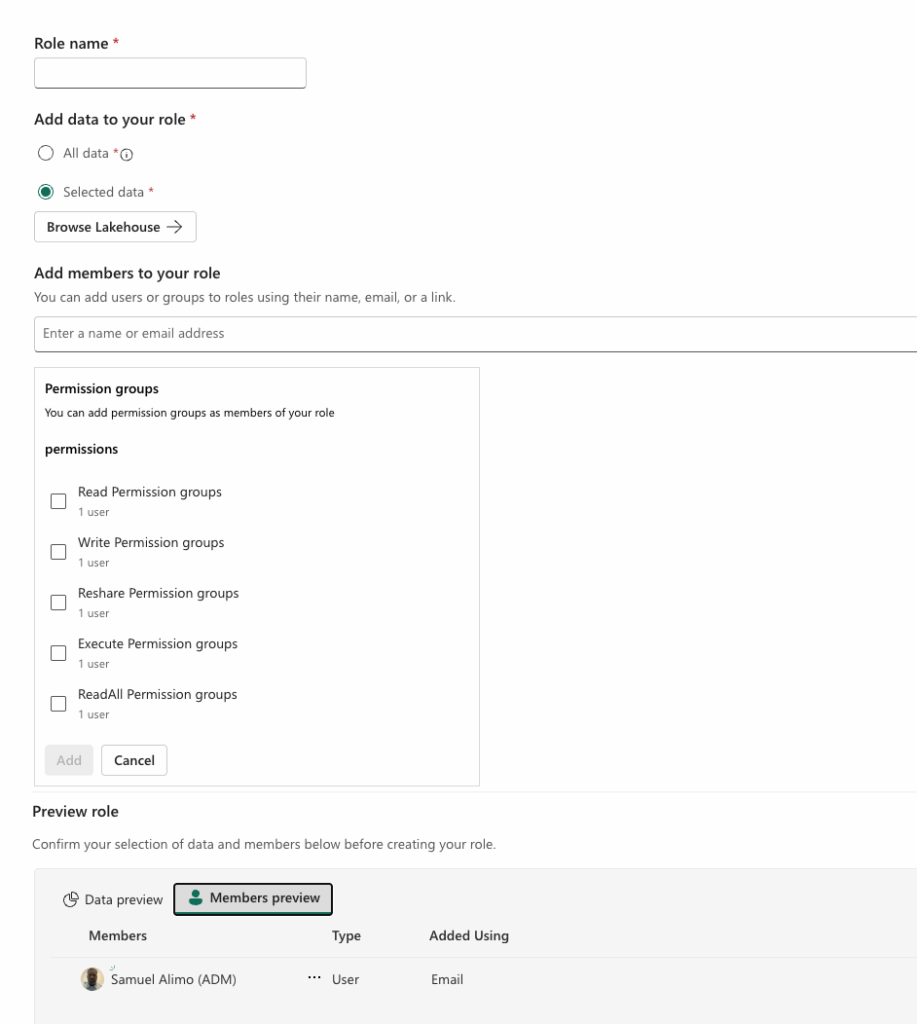
Add Members
  • Permissions Model — Understand the difference between direct permissions and inherited access through workspace roles.
  • Sharing Options — Choose whether to share a report, a dataset, or both depending on your scenario.
  • Roles & Capabilities:
    • Build permission (enables creating new content from a dataset)
    • Read vs. Reshare permissions
    • Direct user assignment vs. security group–based access

RLS and OLS

Two powerful tools enhance data protection within datasets:

  • Row-Level Security (RLS) — Restricts data rows based on user identity or role.
  • Object-Level Security (OLS) — Hides entire tables or columns from users without permission.
  • RLS & OLS = Data-level security inside the dataset.
  • Item-Level Security = Object-level security across Fabric items.

When combined with item-level permissions, RLS and OLS create a robust, multi-layered security posture.

Row-Level Security (RLS)

  • Purpose: Controls which rows of data a user can see within a dataset.
  • How it works: Applies filters based on user identity or roles.
  • Example: A sales manager sees only sales for their region.
  • Scope: Inside the dataset (data filtering).

Object-Level Security (OLS)

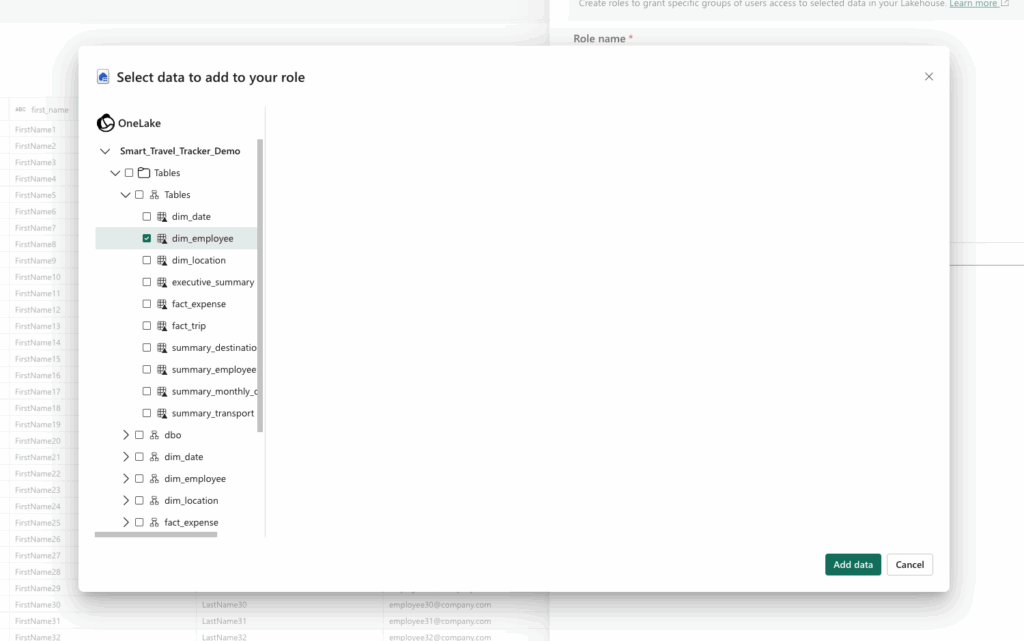
  • Purpose: Restricts access to entire tables or columns within a dataset.
  • How it works: Hides objects from unauthorized users.
  • Example: Finance team sees the “Revenue” table, but HR does not.
  • Scope: Inside the dataset (object visibility).
middle belt blog

Related Post